










Freecell Vintage: A Browser Game with a Retro Look
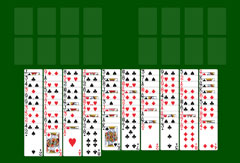
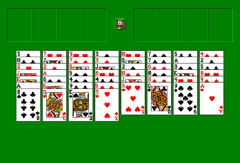
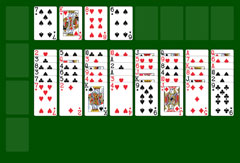
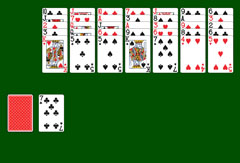
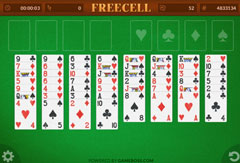
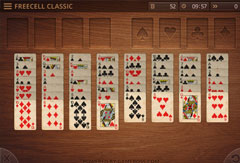
Freecell is a very popular solitaire variant. Many players around the world know this card game from its inclusion in various versions of Windows. If you want to play Freecell again, the browser version is an excellent option. Whatever your operating system or device, you can sort the cards directly in your browser. Freecell Vintage stands out for its retro and calming aesthetic. The background evokes a warm wooden table, while the cards feature a classic and timeless design. The clickable buttons and menu are deliberately minimal, allowing you to start playing immediately without any learning phase. Some deals are straightforward, others considerably more demanding. How quickly the board can be cleared depends largely on the card shuffle. In any case, it is advisable to plan several moves ahead before clicking. Like in chess, some moves may seem logical in the moment but can ultimately prevent any chance of winning.
How the Game Works: Rules and Objective
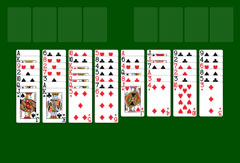
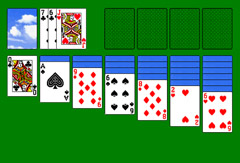
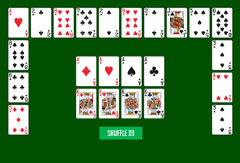
In Freecell, the objective is to build four foundation piles, one for each suit. Cards must be placed there in ascending order, from Ace to King. At the start, all cards are arranged in a random order on the board. By moving them skillfully, you gradually gain access to the cards needed to complete the foundations. In the tableau, a card can only be placed on another if it is immediately lower in value and of the opposite color. Unlike classic solitaire, Freecell has no stock pile, but four empty spaces called free cells. You can temporarily place any card in a free cell, one card per slot, with a single click. A double-click automatically sends a card to a foundation if the move is allowed. When a tableau card is no longer needed, it is automatically moved to its foundation pile as soon as it becomes available. It is also possible to move sequences of cards, provided you have enough free cells available to complete the move to a compatible card.
Playing Freecell Vintage in the Browser
On SolitaireSite.com, you can play Freecell Vintage for free directly in your browser, simply and comfortably. Several practical indicators keep you updated on your progress at all times. The number of moves played is automatically tracked, ideal if you want to compete with a friend or keep your own statistics. The elapsed time is also displayed as another point of comparison. The game also shows how many cards remain on the board, so you always have a clear overview. If you click in the wrong place, a circular arrow in the bottom right lets you undo the last move. Subtle sound effects, which you can turn off at any time, accompany the game. You can pause the game at any time by opening the menu in the top left. From this menu, you can also restart the same game from the beginning or immediately launch a new shuffled deal.
More Freecell Variants and Other Games
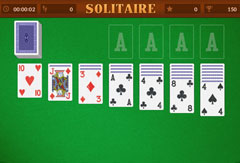
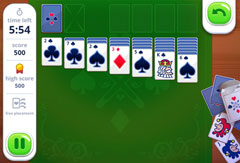
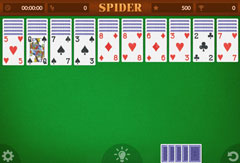
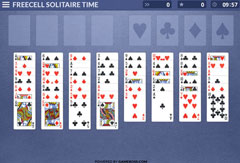
Freecell Vintage is one of several Freecell variants on SolitaireSite.com. For a version with a time challenge, try Freecell Time Limited. For the classic experience, Freecell Classic 1.0 and Freecell are always available. You will also find Spider Solitaire, Pyramid Solitaire, and many other card games, all free and without download.