




Will You Rise to the Spider Solitaire Challenge?
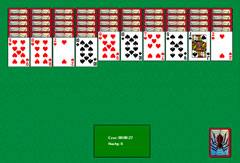
You can launch Spider Solitaire online very simply, directly in your browser. No download is required: just start playing to take on this demanding variant of solitaire. The game offers a time limit and several difficulty levels, providing an increasingly stimulating experience.
How Spider Solitaire Works Online
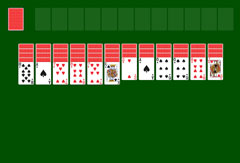
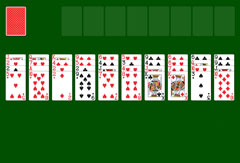
The rules of Spider Solitaire are as accessible as those of classic solitaire. The aim is to organize the cards into descending sequences. The game is won when all the cards have been correctly sorted. The distinctive feature of online Spider Solitaire is the absence of empty foundation slots: the correct order must be built directly within the ten playing columns. Additionally, a time constraint applies: if all the cards are not sorted before the timer runs out, the game is lost. The length of time allowed varies depending on the chosen game mode.
Easy mode: you play with a single suit, spades, and have ten minutes to sort the ten columns made up of two decks of cards.
Normal mode: in this mode, two suits are used, hearts and spades. The time limit is twelve minutes.
Hard mode: you play with all four suits and have fifteen minutes to organize all the cards on the board.
Card stacks disappear from the board and are placed on a destination pile as soon as a complete sequence is formed. To do this, you sort the cards in descending order, from King to Ace, through Queen, Jack, and numbered cards. When a column is completely cleared, you can place any card or an already-ordered sequence there. This makes it easier to reveal face-down cards and simplifies sorting. If no move is possible, select the draw pile in the bottom right: one additional card is then added to each column. After four such deals, the game ends if no more cards can be moved.
Game Features
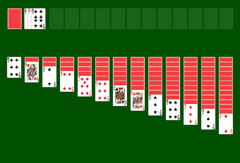
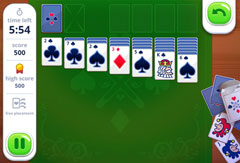
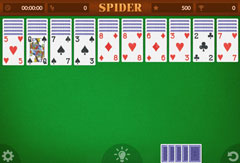
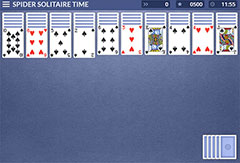
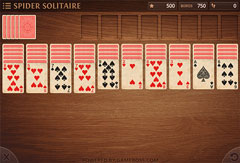
When you open Spider Solitaire in your browser, a blue game board appears. Before starting, you select the difficulty level. The game then begins with an initial score of 500 points, the cards dealt, and the time limit displayed. To pause the game, open the main menu by clicking the three horizontal lines. There you will find the following options:
- Resume
- New Game
- Restart
- Enable Sound
To resume the game after a pause, select "Resume". If you want to restart the same game with the same card distribution, choose "Restart". To start a new game with a different deal and a different difficulty level, click "New Game". The "Sound" option lets you turn sound effects on or off, such as the signal that plays when time is about to run out.
You can play Spider Solitaire Time Limited occasionally for fun or for several hours: no cost is involved. Your score is displayed at the end of each game, at the latest when time runs out. If you win the game, a window appears showing your final score. You can also see the total number of games played when you complete a winning round.
More Spider Solitaire Variants and Other Games
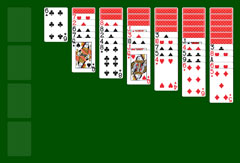
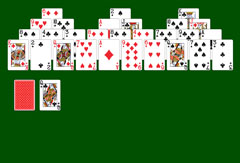
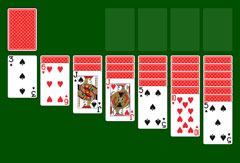
Spider Solitaire Time Limited is one of several Spider Solitaire variants available on SolitaireSite.com. If you prefer a game without a clock, try Spider Solitaire Classic 1.0 or the nostalgic Spider Solitaire XP 1.0. For a different card challenge, Freecell and Pyramid Solitaire are also available for free, without download, directly in your browser.