


A Journey Back in Time with Freecell
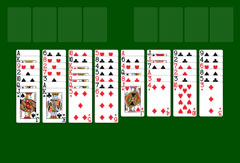
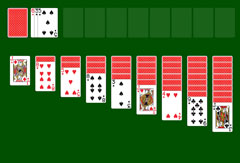
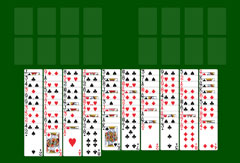
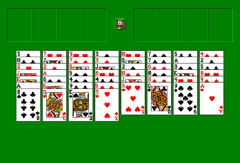
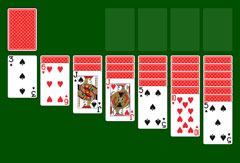
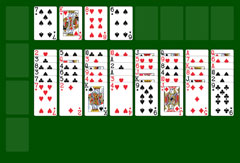
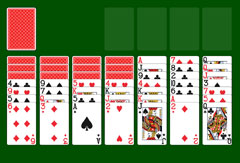
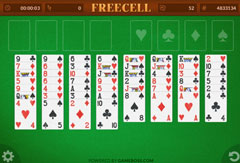
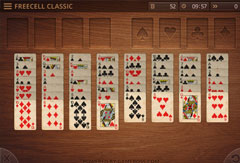
The cards feature a classic design with large, perfectly legible symbols, laid out on a green felt background reminiscent of casino game tables. The card backs are not visible: only the faces are shown. At the top of the Freecell game area is a white bar with a slightly retro style inspired by Windows XP, presenting the various game functions clearly.
On the left side, you will find the labels "New", "Select Game", "Restart", "Statistics", and "Undo". Clicking on any of these opens a white window in the foreground. You can then select the desired action. "New" lets you start a new game of Freecell. With "Select Game", you choose a specific deal. "Restart" restarts the current game from the beginning. "Statistics" displays your previous results and shows your success rate in Freecell. Note, however, that these statistics are only retained as long as the browser window remains open. If you close the browser and reopen it later, the data will no longer be available. The "Undo" option cancels your last move. On the far right, the number of the current game is shown, along with how many cards are still in play.
Game Rules: Playing Freecell with Ease
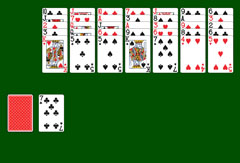
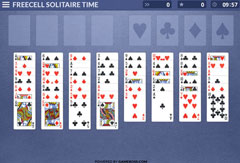
At the start of a game of Freecell, 52 cards are laid out face up in eight columns side by side. Your mission is to organize these cards according to specific rules. Red cards can only be placed on black cards, and vice versa. The order of construction is always the same: a King at the bottom, followed by the Queen, then the Jack, the Ten, the Nine, and so on, down to the Ace, which represents the lowest card in a sequence.
In practice, you will almost never see the Ace at the top of a tableau column. The game makes sorting easier: simply clicking on a card will automatically move it to the right place. If a card can be moved to a foundation (the final piles in the top right), the game handles it directly. You can also move cards manually by holding down the mouse button and dragging them to the desired column. This works not only for individual cards but also for small groups. For example, if you already have a correct sequence of 6-5-4, simply clicking the 6 will move the entire group onto a compatible 7.
Playing Freecell requires thought and foresight. Pay close attention to the free cells in the top left. They serve to temporarily store cards that are blocking you. The more free cells you keep available, the larger the sequences you can move in one go. In the top right are the foundation slots: this is where you place cards by suit, from Ace to King. The objective of Freecell XP 1.0 is clear: when all cards are correctly placed on these four foundation piles, the game is won.
More Freecell Variants and Other Games
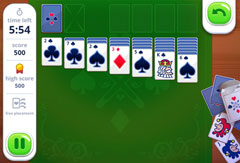
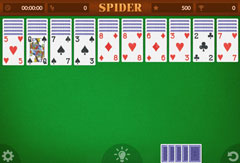
Freecell XP 1.0 is one of several Freecell variants on SolitaireSite.com. For the classic experience without the retro design, try Freecell Classic 1.0. If you enjoy time-based challenges, Freecell Time Limited is also available. Beyond Freecell, you will find Spider Solitaire, Pyramid Solitaire, and many other card games, all free and without download.