





The Nostalgic Solitaire
Do you remember the early days of Windows? Anyone who grew up with Windows XP will immediately think of the pre-installed games, and Solitaire was very much part of that experience. In many ways, it was Windows that turned Solitaire into the beloved card game it is today. If you want to play Solitaire online the way it used to be, you have come to the right place.
Online Solitaire in the Original Windows XP Design
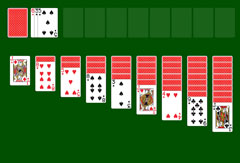
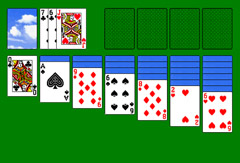
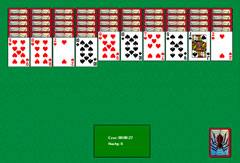
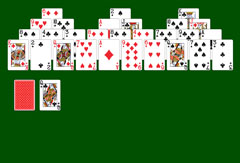
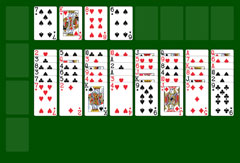
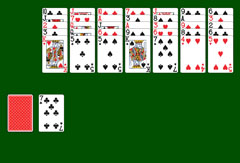
Long loading times are a thing of the past. But the charm of this game's retro design remains fully intact. Launching Solitaire XP 1.0 online immediately brings back a wave of pleasant nostalgia. The familiar startup screen from old Windows computers appears when the game loads, and then you go straight to the table. The cards are displayed in vivid colors with clear, readable symbols. The visuals are deliberately simple by modern standards, which is precisely what gives them their authenticity.
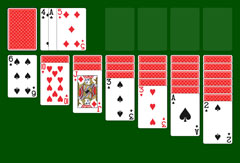
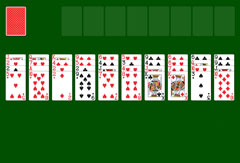
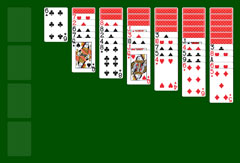
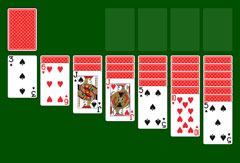
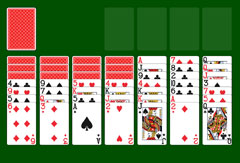
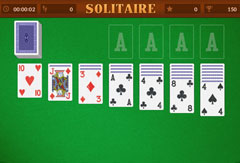
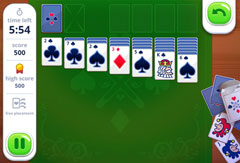
The cards are spread across seven columns. Starting from the left, each column has one more face-down card than the previous one. At the start, one card is face up on each column. Above the tableau sit the stock pile and, to the right, the four foundation piles. One of the most popular features of Windows XP Solitaire is the ability to change the card back. This option is also available in the browser version: you can switch card backs as many times as you like using the "Deck..." menu. Of course, you can also keep the standard deck with its classic blue pattern.
Rules and Menu Options of Windows XP Solitaire
Since this version of Solitaire served as the foundation for many popular variants available today, its rules will likely already be familiar. When playing this online version, the following rules apply:
- Red and black cards must alternate when sorting.
- Cards are arranged in descending order: the sequence starts with the King, followed by the Queen and Jack, then continues with the numbered cards from Ten down to Two, ending with the Ace.
- When you uncover an Ace, click on it to move it automatically to one of the four foundation piles in the top right. The Ace is the first card of each suit pile.
- You earn points by sorting cards correctly.
- Your total score is calculated based on the time taken and how successfully you sort the cards.
- When a column in the tableau is emptied, you can start a new sequence there with a King.
- You must complete a full set for each of the four classic suits: Diamonds, Spades, Hearts, and Clubs.
- If no move is possible, draw a card from the stock in the top left. When all stock cards have been revealed without being placed, a small light green circle appears. Clicking it reshuffles and redistributes the unplaced cards. The number of cards revealed per click depends on the selected game mode.
- In "Draw One" mode, one click reveals the top card of the stock. In "Draw Three" mode, the top three cards are revealed and displayed side by side; they can be played from right to left.
- You can undo your last move by selecting the "Undo" option in the menu.
- Once the game is won, a window opens showing your statistics and results.