
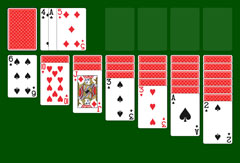
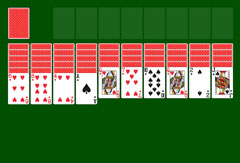
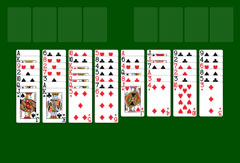
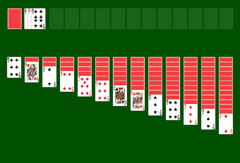






Windows XP Spider Solitaire – Play Online for Free
Also known as "Windows Spider" when it launched alongside FreeCell and Solitaire in 2001 with Windows XP, Spider Solitaire quickly became the most played virtual card game in the world. Not a fan yet? Give it a try; the clean, distraction-free interface of Windows XP Spider Solitaire will win you over.
A Classic Game for Tinkerers
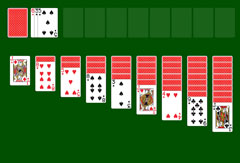
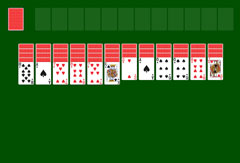
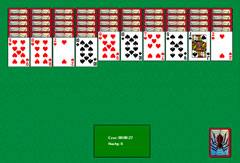
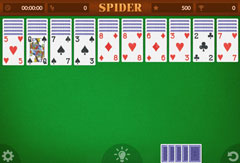
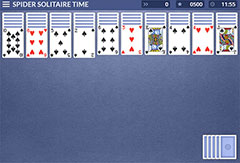
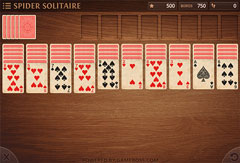
Windows Spider Solitaire uses two standard 52-card decks. Ten columns of six or five cards are dealt in cascading rows, with only the bottom card of each column face up. The remaining 50 cards form the Stock. In the simplest variant only Spades are used; in the hardest variant all four suits are in play.
The goal is to sort cards by suit into sequences running from King down to Ace. Each completed sequence is removed from the game. Clear the entire tableau this way and you are rewarded with the iconic winning animation.
Start by sorting cards into preliminary sequences in descending order, in any suit combination. When playing with multiple suits, aim to form sequences as long as possible in a single suit. With some luck you can clear entire columns. A single card or a same-suit sequence can be placed into any empty column.
If no moves are available, draw from the Stock: ten new cards are dealt, one to each column. Note: you can only draw if there is at least one card in every column. Once you have completed two sequences for each suit, the winning animation begins. The game is lost when the Stock is empty and no moves remain.
How the Game Works
You are greeted by an interactive pop-up window in the Windows XP style. Nine buttons let you choose between "1 Suit", "2 Suits" and "4 Suits", each with three difficulty levels. After your choice, the cards are dealt onto the virtual felt. In the bottom right, the famous spider lurks on the face-down Stock, waiting for the first click.
The menu bar beneath the blue Windows title bar gives you several options:
- Change the difficulty level.
- Restart the current game.
- Undo the last move or redo undone moves.
- Choose a different card back design, in case the spider image is not to your taste.
- Request a hint or take a pause.
At the bottom center of the screen there is a game timer and a move counter.
Tips for Windows XP Spider Solitaire
Spider Solitaire can be frustrating, especially in the four-suit variant, which often does not resolve cleanly. Here are two tips to keep a clear head:
Tip 1: Just want a quick game? Choose one or two suits, unless you have nerves of steel.
Tip 2: If the initial deal and the first Stock draw are dominated by Kings and Aces, your chances of winning are close to zero. Simply start a new game if you want to enjoy the winning animation.