


How to Play Free Double Solitaire
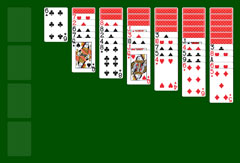
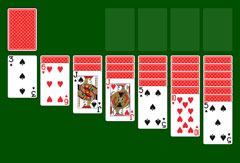
Sometimes you just want to play a quick round or two of solitaire. Here you can play directly in your browser, no download required. Double Solitaire is also known as Double Klondike or simply Solitaire. The rules are nearly identical to classic Solitaire, which you can also play for free on this site.
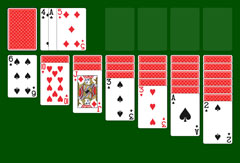
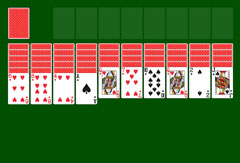
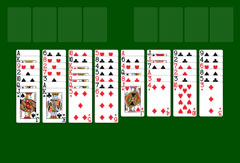
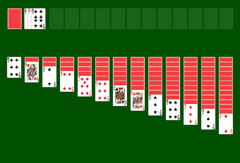
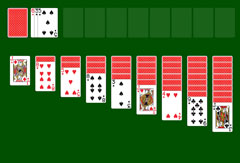
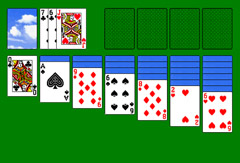
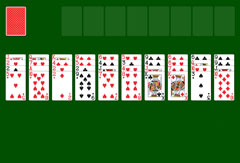
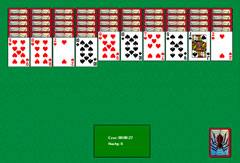
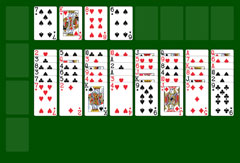
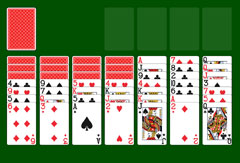
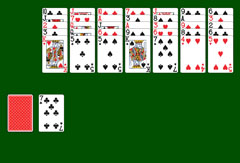
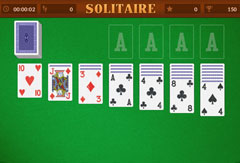
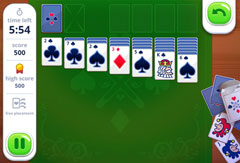
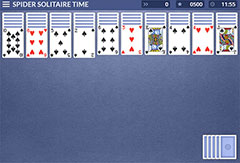
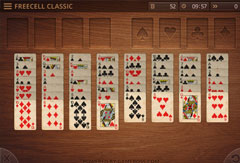
The board features a light blue background and nine columns of cards. From left to right, the number of face-down cards increases progressively. Each column has one face-up card. Above the columns sits a face-down stock, along with eight empty foundation slots that you need to fill by sorting the cards correctly. Before the game starts, you choose your difficulty: draw one card at a time, or draw three.
Once you have made your choice, the cards are dealt and you can begin immediately. Use the mouse to select and move cards according to the rules. The sorting order is descending: King, Queen, Jack, then the numbered cards down to the Ace. When you see an Ace, double-click it or drag it to a free foundation slot to start a suit pile. You can then place the Two of the same suit on top as soon as it becomes available. Always alternate colors when sorting: after a red King comes a black Queen, then a red Jack, a black Ten, and so on.
When you have used up the visible cards and are stuck, draw from the stock. If you chose "draw 1" at the start, one card appears with each click. If it fits into your columns, play it; otherwise move on to the next. With "draw 3", three cards are revealed at once, laid side by side, and can be played from right to left. Once the stock is empty, click the circle that appears after the last played card to reshuffle and restart the cycle.
Menu Options
You can play directly in your browser without any setup. The rules are simple, and so is the main menu. It is worth a quick look. Open it by clicking the three horizontal lines at the top left of the board. From there you can restart the game or toggle the sound on and off. The timer pauses while the menu is open.
You can also start a new game directly by clicking the plus symbol at the bottom left. A confirmation prompt appears before the reset so you do not accidentally lose your progress. In the bottom right, a circular arrow lets you undo your last move. When you finish a game successfully, a window displays your score. You can play as many games as you like with no limits.